Zelle
Pay from your own bank’s app or website.
- Open your bank’s app or website and choose Zelle.
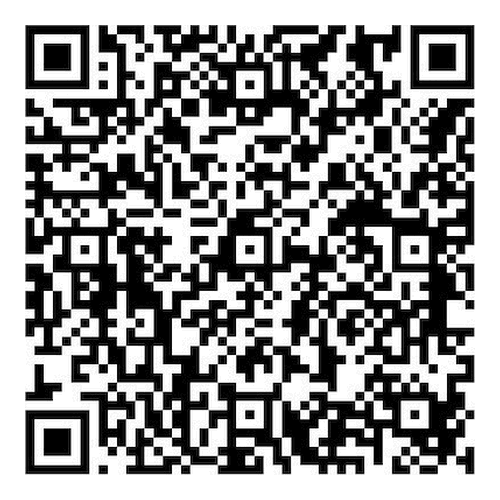
- Send to the Zelle tag above, or scan the QR code with your bank app.
- Confirm the recipient shows David Waters Productions, LLC.
Show Zelle QR code
Scan with your bank app.
Check
Text or email us and we’ll send check payment instructions.
Credit Card / Apple Pay / Google Pay / Bank
Pay online from any phone or computer. Apple Pay and Google Pay appear when available. Enter Media Bootcamp as the project.
Pay online by card↗
PayPal
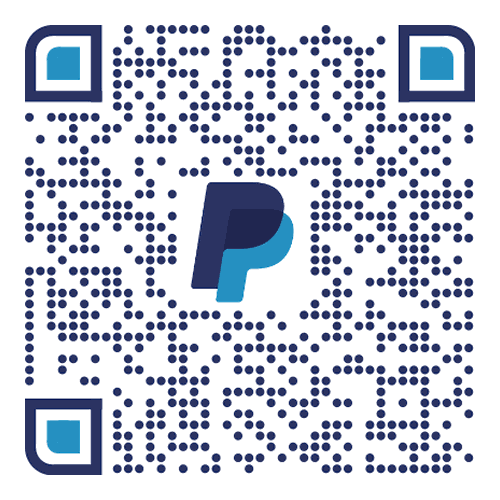
Opens PayPal on your phone. On a computer, open Show PayPal QR code and scan it with your phone.
Pay with PayPal↗Prefer to pay on a computer? Request a PayPal invoice.
Show PayPal QR code
Scan with your phone.
Venmo
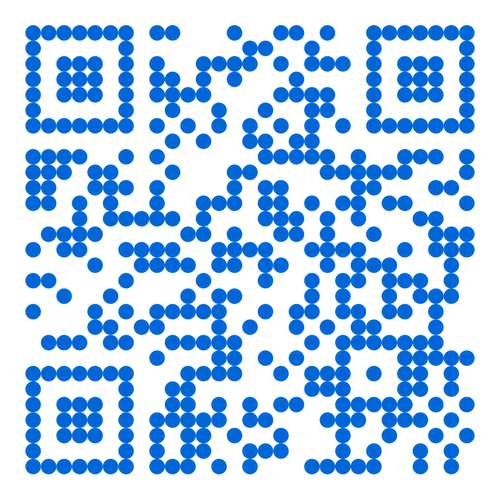
Best on your phone. Send to @davidwatersproductions, or scan the QR code with your phone.
Pay with Venmo↗Show Venmo QR code
Scan with your phone.
Cash App
Best on your phone. Send to $DWPVideo in the Cash App.
Pay with Cash App↗